Need more? If you’re an agency owner looking for white-labeling, bulk SMS campaigns, or multi-seat access, reach out at hello@pokulabs.com. Agency plans start at $55/month.
Connect Your Twilio Account
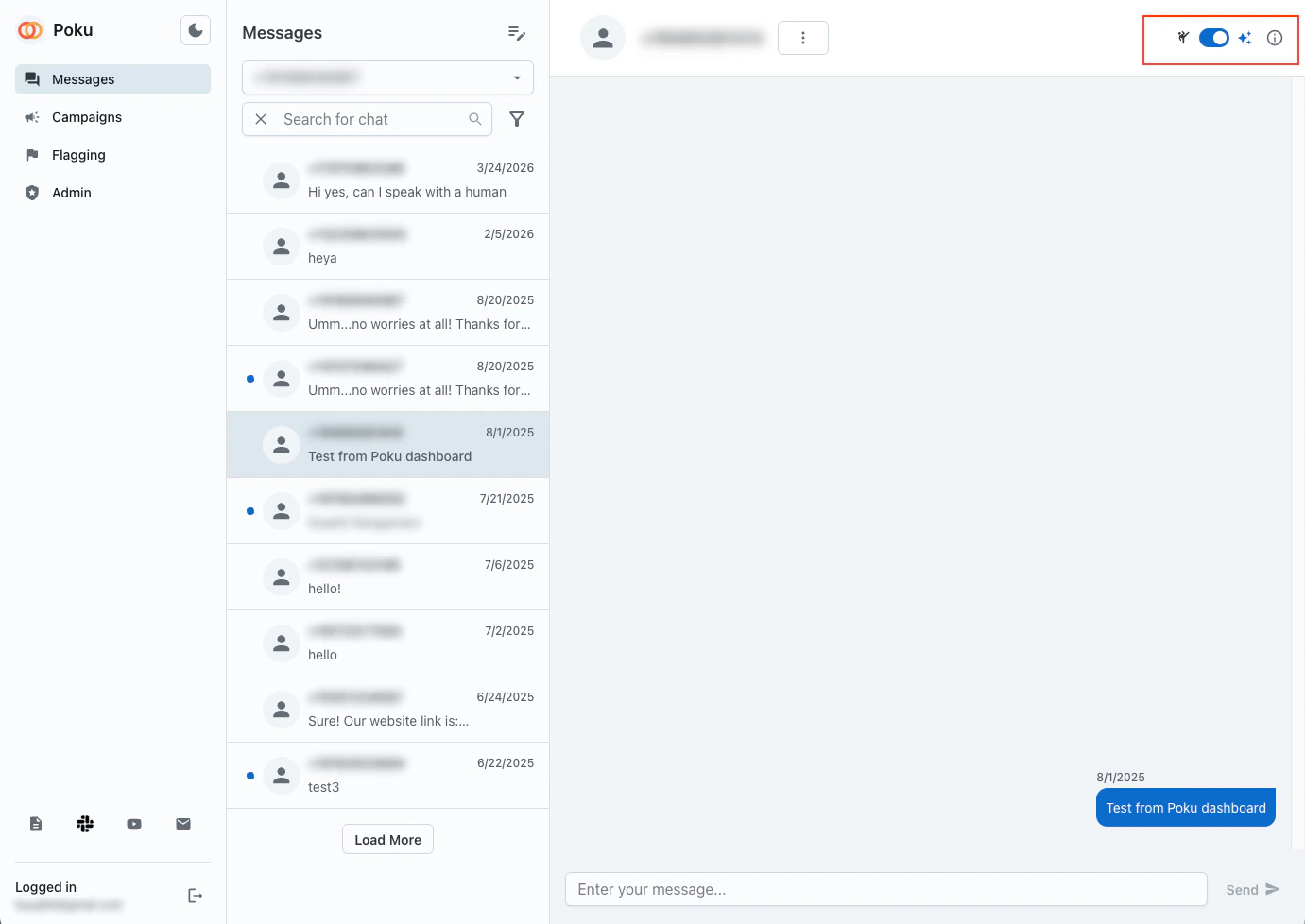
To get started, plug in your Twilio credentials in the Poku Inbox. Once connected:- All incoming and outgoing SMS messages will appear in your inbox
- Select any phone number to view its conversation history
- Send replies directly from the chat interface
Taking Over a Conversation
With either the Make.com or n8n setup, you stay in control. When the AI agent toggle is off, Poku stops forwarding messages to the agent — so you can step in and handle the conversation directly from the Poku Inbox interface. Toggle the agent back on whenever you’re ready to hand it back.